Yaesu FTDX10 (better) Scope
Work in progress!

Tested only with latest firmware version V01-15.
This is a better scope for Yaesu FTDX10 radios.
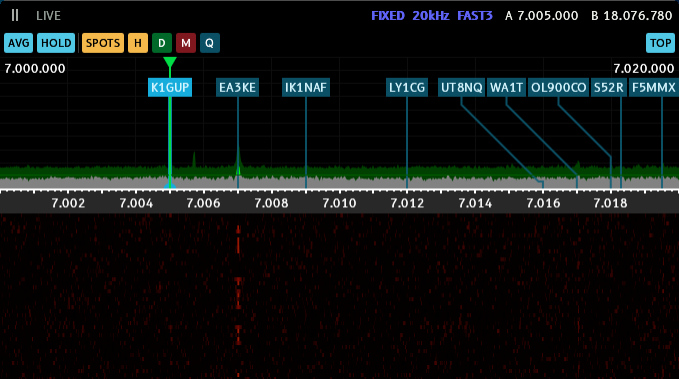
It makes use of data sent from the radio through the ACC connector. Among other things, this data includes 25 spectrum frames per second.
The primary purpose of this is more convenience in contesting or DXing. DX Spots are displayed in the spectrum, the averaging makes it easier to click on the right frequency, as it is not jumpinng all the time.
Features
- Scope averaging & max hold - something the radio unfortunately does not have on it’s own display.
- Click scope to tune (only scope, not waterfall) - Send frequency to DXLog or N1MM+ (Radio 1 currently hardcoded).
- Basic support for FTDX101 - two separate windows per receiver.
- 25 FPS rendering - higher resolution or framerate is not possible, as this is what the radio sends.
- DX Cluster spot integration - display spots from DXLog or N1MM+ with their status (double mult, mult, etc.) highlighted in different colors. Spots from Logger32 can also be received through UDP.
Future improvements
- Cosmetic improvements.
- Raspberry Pi Pico 2 W support - stretch goal to try wireless connection to the client software over WiFi or BT.
- FTDX101 support.
- FT-710 support - this should work without any additional hardware.
⚠️ Warning: Follow this guide and use the software and hardware at your own risk. Use shielded cables to connect to your radio. You can damage or destroy your equipment.
Required hardware
- RP2040-Zero or Raspberry Pi Pico 2 W board to serve as SPI to USB-CDC interface.
- 13-pin DIN connector.
Wiring
| FTDX10 ACC | Signal | RP2040-Zero | Raspberry Pi Pico 2 W |
|---|---|---|---|
| Pin 4 | MOSI (DATA 2) | Pin 0 | Pin 1 |
| Pin 5 | CLK | Pin 1 | Pin 2 |
| Pin 6 | CS | Pin 2 | Pin 4 |
| Pin 11 | short to Pin 12 | - | - |
| Pin 12 | short to Pin 11 | - | - |
| Pin 2 | GND | GND | GND |
Test-wiring on solderless breadboard (receive-only).
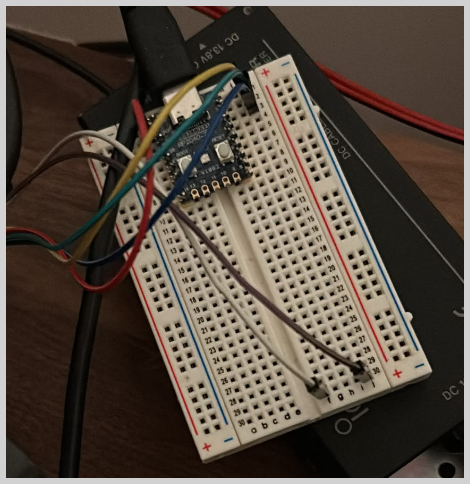
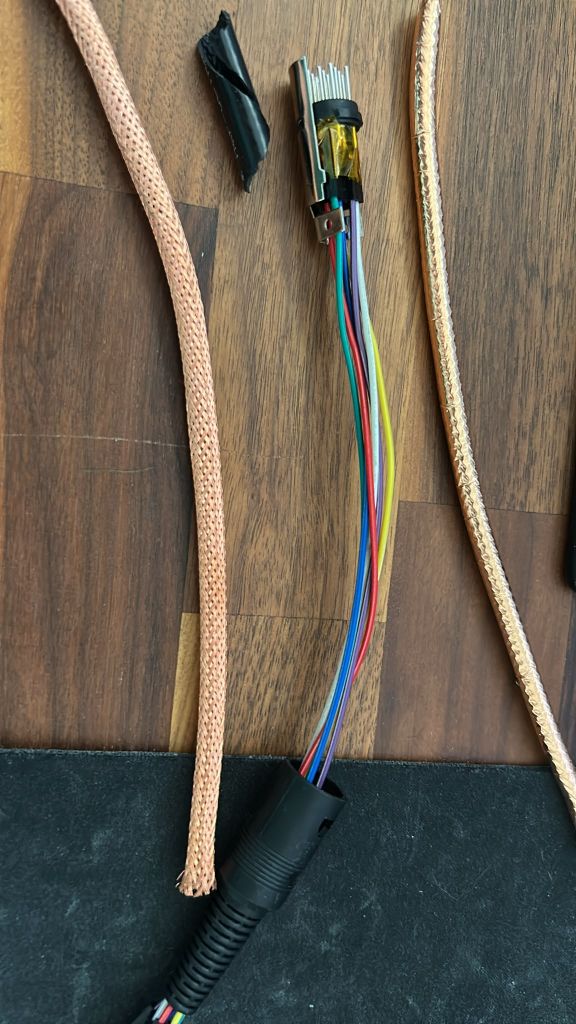
I used cables with DuPont connectors, as it is hard to solder the 13-pin DIN connector. A piece of braid from coax cable can be used to shield the cables. It can also easily be soldered to the connector ground terminal.
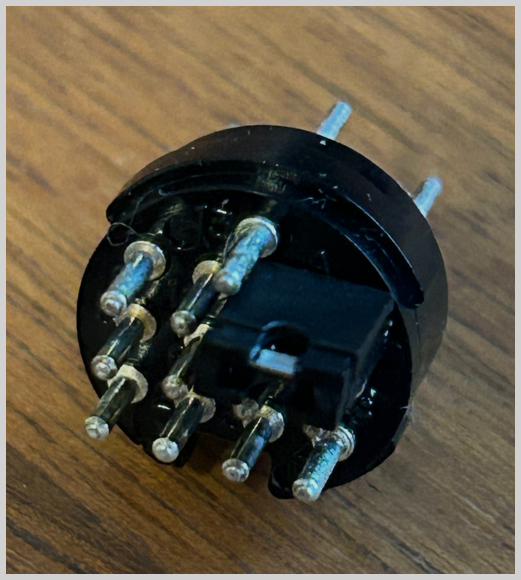
A 2,54mm jumper can also be used to jump pins 11 & 12.
Download
- RP2040-Zero Firmware: fw-2040-zero.uf2.
- Raspberry Pi Pico 2 W Firmware: fw-pico2w.uf2.
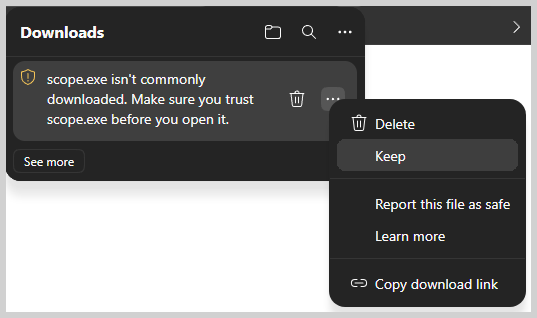
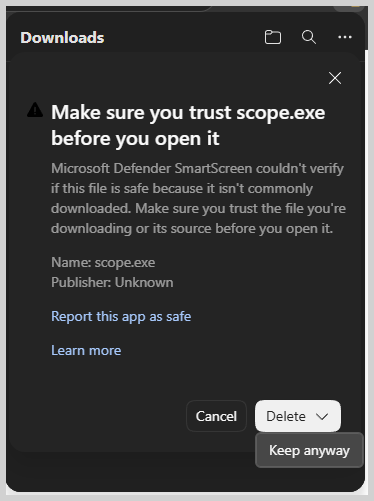
- Scope App: scope.exe.
- Install B612 font.
Your antivirus may complain.
Configuration
Right click in the app and adjust COM Port and UDP address & port if you want to receive DX Cluster spots and change frequencies in DXLog or N1MM+ by clicking on a signal in the scope.
Acknowledgements
- Braco, E77DX, for putting the scope idea in my head.
- Thanks Brano, OM2KW, for explainations of the hardware interface & sharing his own PoC solution.
- https://github.com/SLTPLAN/FTDX10_WF - some epxlainations of the protocol used.